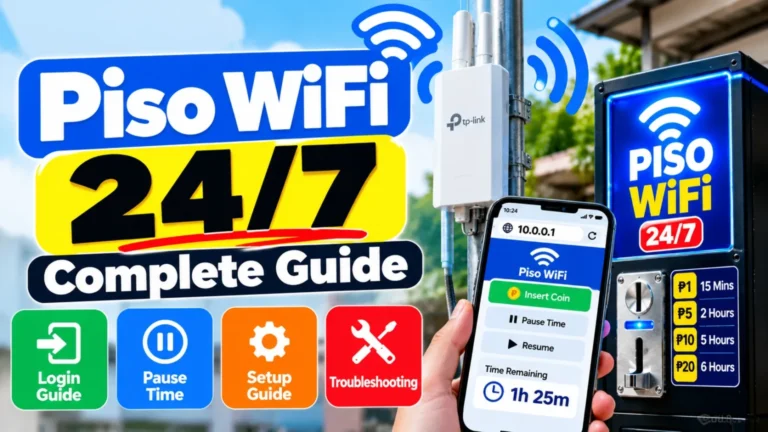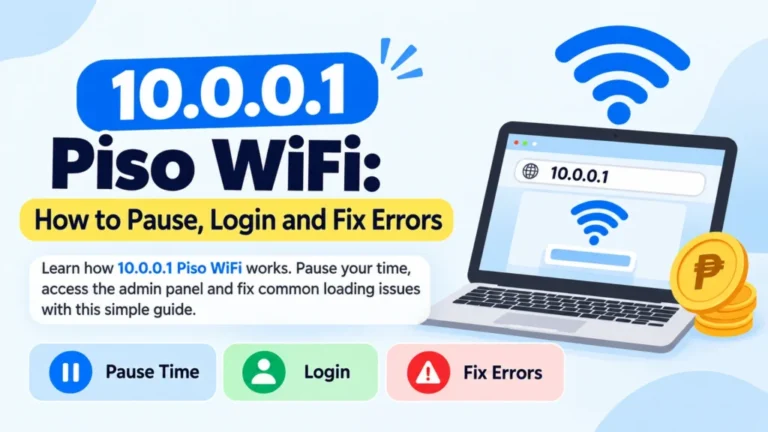
Piso WiFi App: Downloading Guide, Features, Setup, and Troubleshooting
A Piso WiFi App is a mobile application that is designed to make managing Piso WiFi vending networks easier. These apps help customers access coin-operated internet kiosks, monitor remaining internet time and track data usage. They also quickly open the Piso WiFi captive portal without manually typing the gateway address.
Typically, Piso WiFi systems are used in the Philippines. They run via devices such as Raspberry Pi, Orange Pi, or MikroTik hotspot systems. Most Piso WiFi networks use the local portal address 10.0.0.1, where people can insert coins, activate internet access, and manage their sessions. But for customers using a Piso WiFi machine, a WiFi App can simplify the complete process.
What Is a Piso WiFi App
A Piso WiFi App is an Android app that connects your smartphone to a Piso WiFi vending machine’s local network. Instead of opening a browser and entering 10.0.0.1 manually, these apps automatically redirect users to the login portal. Most Piso apps are portable and work like shortcuts to the machine’s bound portal. They do not get internet service themselves; they only help users access and manage the connection that is provided by the Piso WiFi vending system.
These apps can help with:
- The Piso WiFi login portal
- It is used for checking remaining internet credits
- It is used for monitoring connection time
- Tracking internet expenses
- The machine owners accessing admin dashboards
- It is used for managing custom hotspot configurations
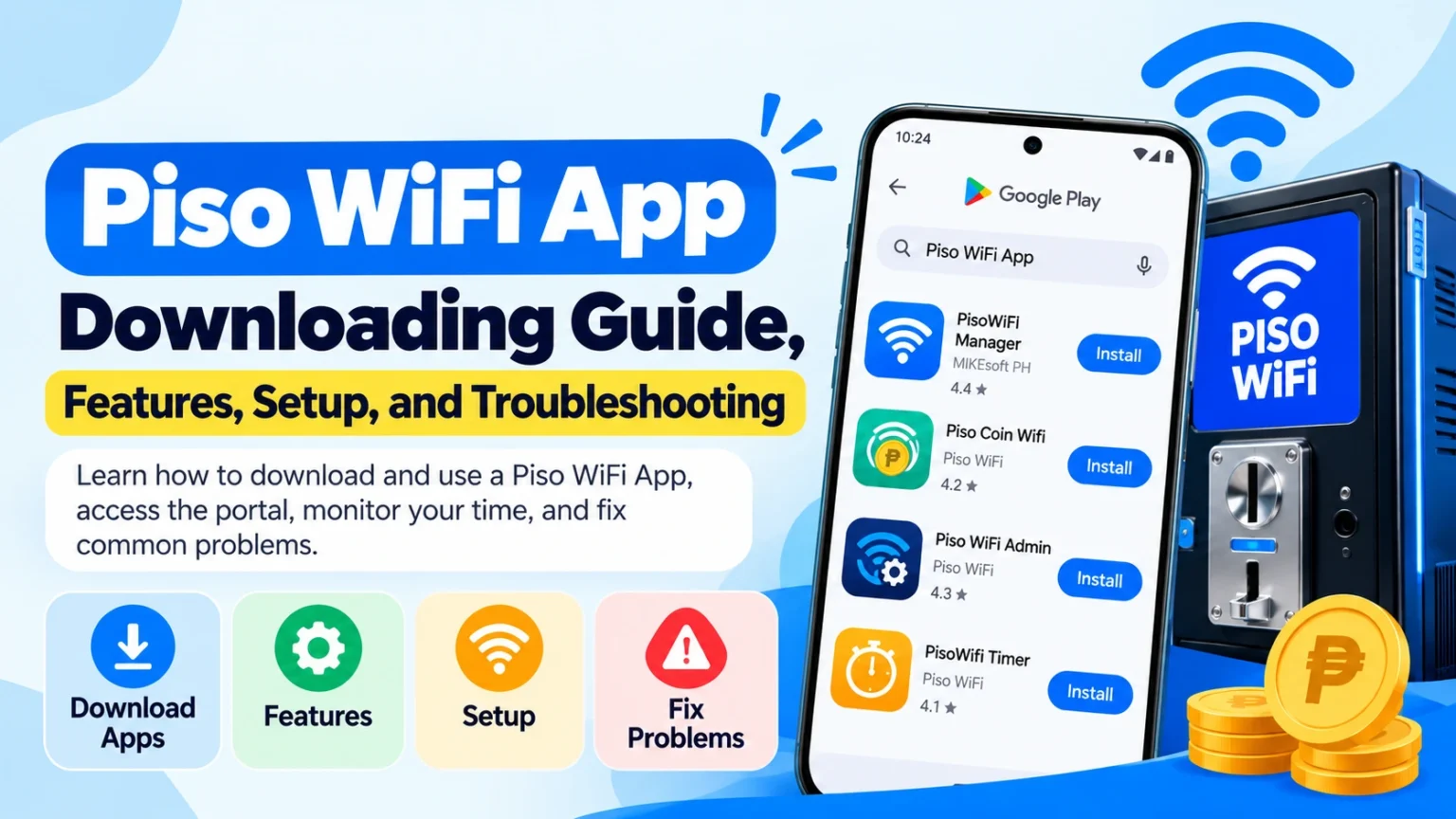
Popular Piso WiFi Apps for Android
1. PisoWIFI Manager by MIKEsoft PH
PisoWIFI Manager is one of the famous WiFi apps that is designed for managing and monitoring internet sessions.
It assists with different captive portal systems, including:
- MikroTik hotspots
- Raspberry Pi hotspots
- Orange Pi hotspot systems
Features of PisoWIFI Manager
- It is used instantly for access to Piso WiFi portals
- It uses Internet time monitoring
- Used for data tracking
- It supports custom portal addresses
- Portal accessing easily
Users can also change the default portal address. To change the portal settings, open the application and double-tap the MIKEsoft PH logo while the app is starting.
Details of Piso WIFI Manager app
| Developer | MIKEsoft PH |
| Version | 1.10 |
| Android Requirement | Android 7.0 or above |
| Downloads | 10,000+ downloads |
| Released | November 23, 2020 |
| Updated | August 9, 2026 |
According to the developer’s data safety information, the app does not collect data and does not share information with 3rd parties.
2. Piso Coin Wifi App
Another popular app, basically created for everyday users who want quick access to vending machine portals. Automatically, the app opens the standard Piso WiFi captive portal, usually placed at http://10.0.0.1/.
Features of Piso Coin WiFi app
- The portal loads automatically
- It is used to provide fast access to Piso WiFi login pages
- It connects to vending machines easily
- It also helps monitor personal internet usage
This app is useful for users who instantly connect to different Piso WiFi machines and want a faster way to access the login page.
3. Piso WiFi Admin App
Basically, the Piso WiFi Admin App is designed for vending machine owners and network administrators. This application focuses on handling the Piso WiFi system instead of simply connecting to the internet.
Features of Piso WiFi Admin
- The local admin dashboard provides access to:
- It manages network configuration
- It monitors the local machine
- It supports owner-level controls
This app is used when the administrator must be connected to the same local Piso WiFi network. Usually, the dashboard is accessed via http://10.0.0.1. Typically, this type of app is used with DIY Piso WiFi systems running on mini-computers and firmware solutions such as Adopisowifi.
4. PisoWifi Timer App
The PisoWifi Timer app helps customers monitor their remaining internet time. On the portal page, users can frequently check and view a live countdown directly from their phone.
Features of PisoWifi Timer
- It counts down the real-time timer
- Monitoring of internet session
- It is used to track spending history
- It notifies the panel timer
It is easy to know exactly how much connection time is left before the internet session expires.

Basic Features of Piso WiFi Apps
Customer Features
Admin Management Features
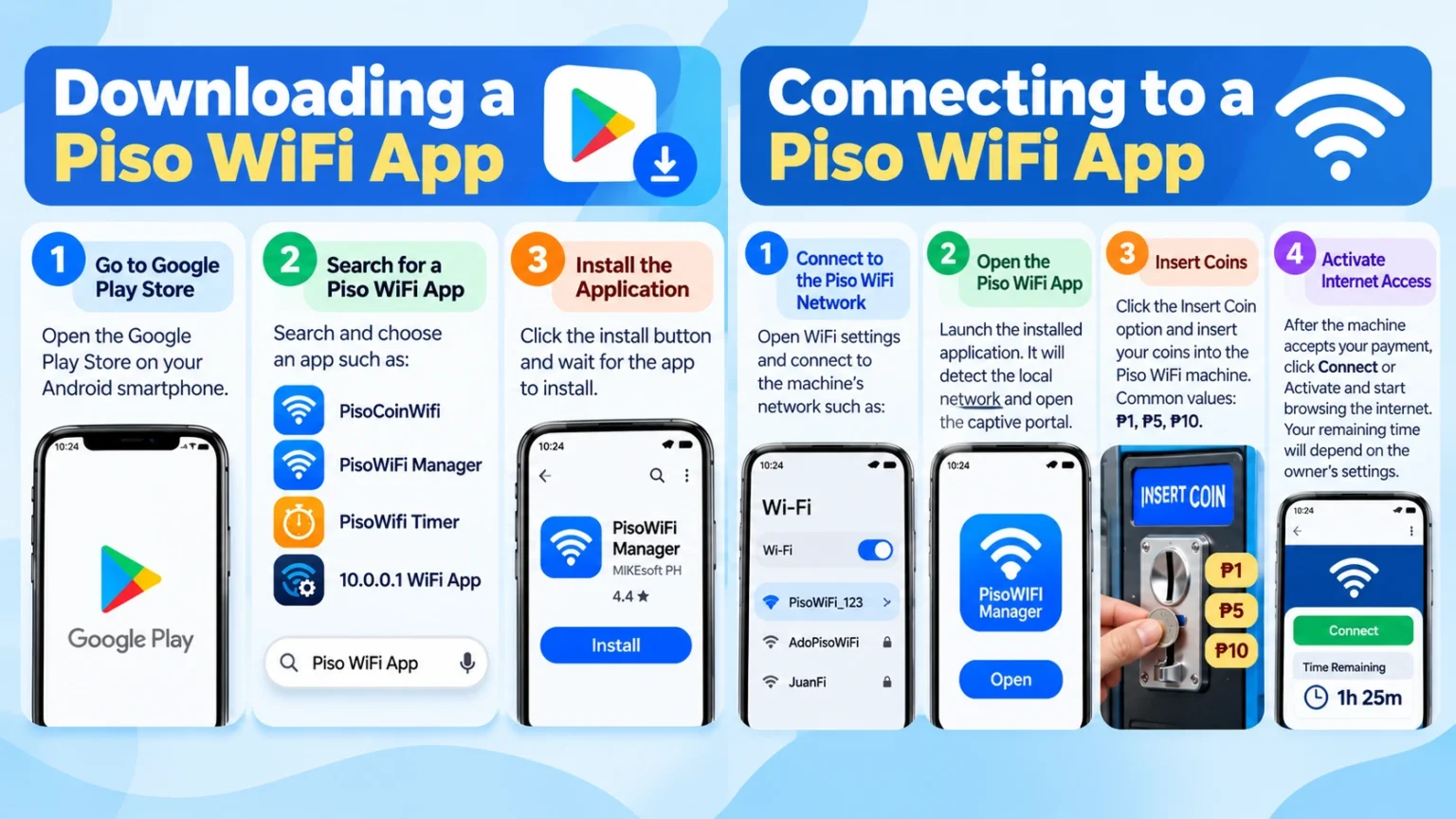
Downloading a Piso WiFi App
These steps are followed to download a wifi application for Android users.
Phase 1: Go to Google Play Store
Explore the Google Play Store on your Android smartphone.
Phase 2: Search for a Piso WiFi App
These applications are available on phones such as:
- PisoCoinWifi
- PisoWIFI Manager
- PisoWifi Timer
- 10.0.0.1 WiFi App
Phase 3: Install the Application
Click the install button and wait for the app to install.
It is suggested to download the app while the user still has mobile data or another internet connection.
Connecting to a Piso WiFi App
These are the steps to start using Piso WiFi:
Phase 1: Connect to the Piso WiFi Network
Browse your phone’s WiFi settings and connect to the vending machine network.
Like these:
- PisoWiFi_123
- AdoPisoWiFi
- JuanFi
Phase 2: Open the Piso WiFi App
Launch the installed application.
Automatically, the application will detect the local network and open the captive portal.
Phase 3: Insert Coins
Click the Insert Coin option.
Insert your coins into the Piso WiFi vending machine.
Common coin values include 1 ₱, 5₱, 10₱.
Phase 4: Internet Access Activation
After the machine accepts your payment:
- Click Connect or Activate
- Begin browsing the internet
But your remaining time will depend on the machine owner’s settings.
Piso WiFi App Troubleshooting Guide
Sometimes customers may experience connection problems. Here are typical solutions.
Why Does My Application Show “No Internet Connection”?
Usually, it happens because your phone is not connected to the Piso WiFi machine.
It confirms:
- Turning off mobile data
- Connecting to the vending machine WiFi
- You are within network range
A Piso WiFi app cannot get the local portal when you are connected to normal mobile data or home WiFi.
What If the Insert Coin Button Does Not Work?
Try these solutions:
- Firstly, disconnect and reconnect to the Piso WiFi network.
- Restart the app.
- Explore your browser and manually visit 10.0.0.1.
Yet, if the problem continues, the machine may be:
- Out of service
- Full
- Experiencing a hardware issue or problem
If the money was accepted but no credits have been added yet, contact the machine owner.
Do Piso WiFi apps not work on iPhone?
Mostly, Piso WiFi apps are designed for Android devices.
Usually, iPhone users do not need an app. They can simply:
- Link to the Piso WiFi network.
- Open Safari or Chrome.
- Enter 10.0.0.1.
Automatically, the captive portal should open.
Final Thoughts
A Piso WiFi App is a cheap device for anyone using coin-operated internet vending machines. These apps make it easier to open captive portals, monitor internet time, track usage, and handle connections.
For regular customers, apps like PisoCoinWifi and PisoWifi Timer give quick access and session tracking. For machine ownership, tools like PisoWIFI Manager and Piso WiFi Admin offer the best control over hotspot management. So, keep in mind that apps only work when your gadget is connected to the specific vending machine’s WiFi network. If an application does not work, the reliable backup is always to open a browser and manually type 10.0.0.1.